For the owner (you)
You set this up and keep it current. Everything else — your family's ability to cope, your trustees' ability to help — depends on you doing a few things well.
Your responsibilities#
- Keep the inventory current. Add new accounts, policies, loans, and property as they happen. Record the nominee and a contact for each. Stale information is worse than none.
- Record what family can't easily discover — insurance policies (the single most-missed asset), demat accounts across brokers, PPF/EPF, and especially loans (debts your family must know about).
- Note where documents live — the "Documents Location" fields point family to physical papers (property deeds, policy bonds, locker keys).
- Regenerate the encrypted report when things change materially (see below).
- Tell your family where the estate kit is — the printed report and the recovery files. A perfect kit no one can find is useless.
Routine#
| When | Do |
|---|---|
| Whenever finances change | Update the relevant tab (sidebar Quick-add or type directly). |
| After a new CAS statement | Import CAS (Replace on) — refreshes holdings & demat accounts. |
| Monthly (optional) | Let the daily auto-refresh keep prices current; glance at the dashboard. |
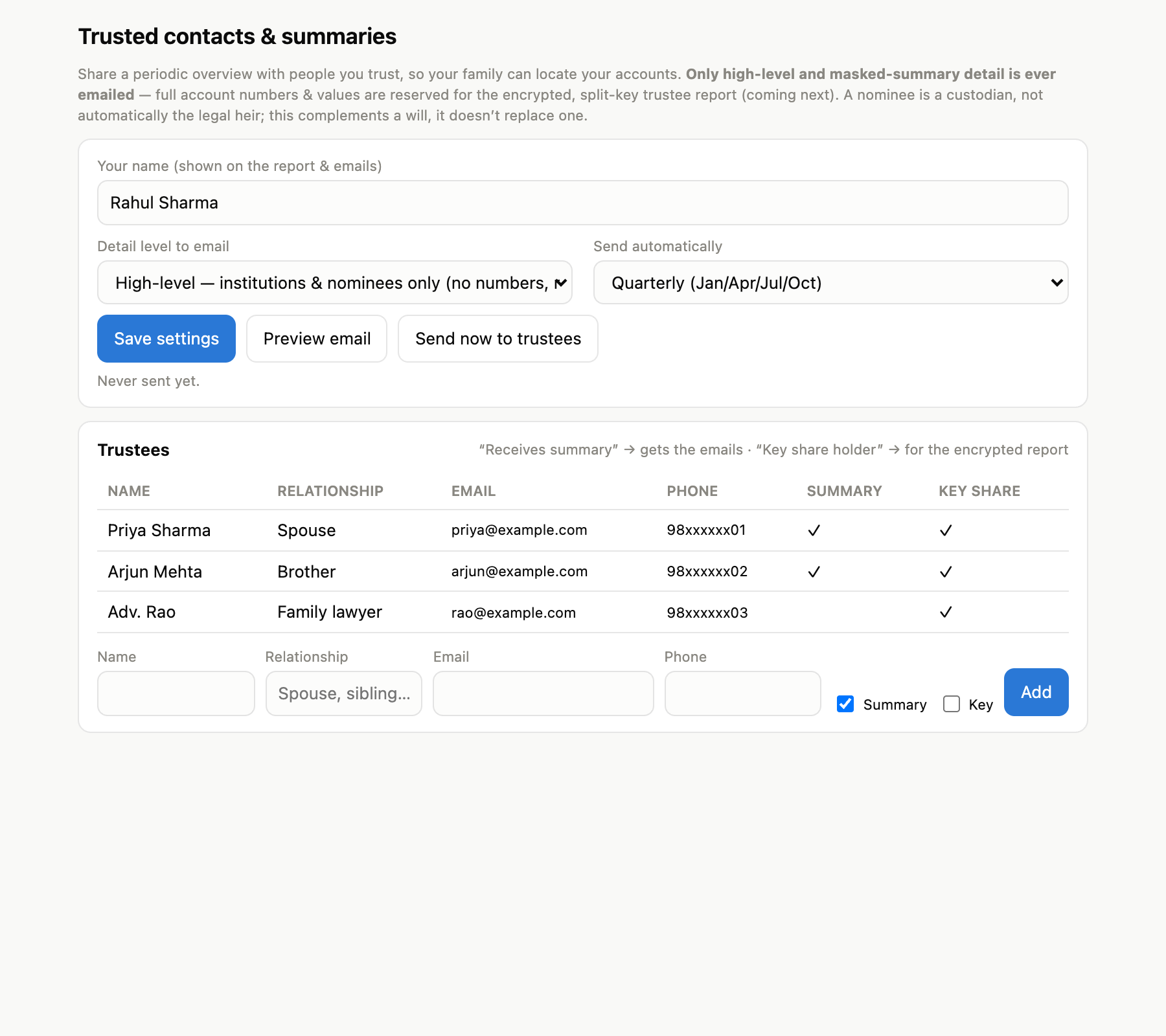
| Monthly / quarterly | Optionally email trustees a masked summary (👪 menu). |
| When finances change materially | Regenerate the encrypted report (see next). |
| When adding/removing a trustee | Rotate the key (new cards) and destroy the old encrypted file. |
Add and manage the people you trust in 👪 Trusted contacts & summaries:
Keeping the encrypted report fresh#
The encrypted report is a snapshot. To update it without disturbing your trustees:
- Menu → 🔐 Generate encrypted trustee report → mode Refresh.
- Paste k of your own shares (keep your own copy of the share lines) and load your current encrypted file.
- It rebuilds the key, verifies it, and re-encrypts your updated data — your trustees' cards stay valid. Just replace the stored encrypted file.
Generating the kit produces the encrypted file, an offline decryptor, and one printable share card per trustee:
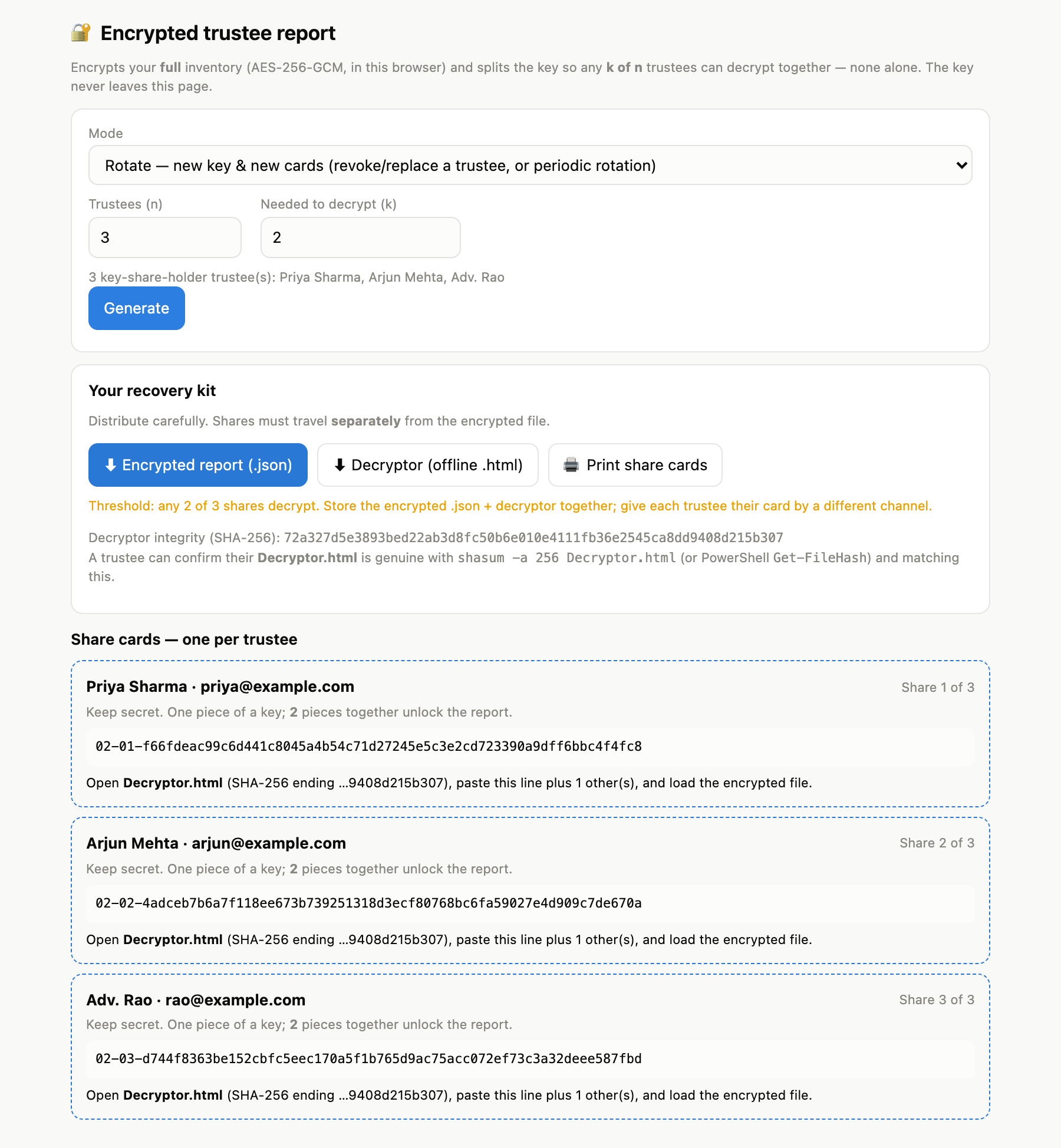
Use Rotate (new key, new cards) only when you want to revoke/replace a trustee or rotate keys on principle. See LEGACY.md.
Set your family & trustees up for success#
- Give each trustee one share card by a different channel than the encrypted file, plus the printed For a trustee guide.
- Make sure at least k trustees are reachable and will cooperate (default is 2 of 3 — any two).
- Put the printed For your family guide and the Full ICE report in your estate kit, and tell your next of kin where it is.
- This complements your will — keep the will current and consistent with the nominees you've recorded.